





1. The online UPS is not working. Should many devices be plugged into the UPS?
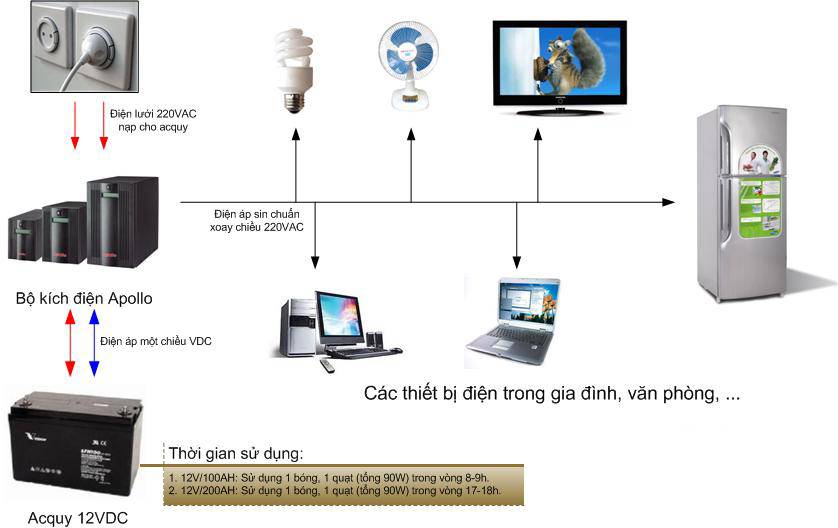
UPS has an on/off switching mode to prevent damage caused by unstable power supply. Please wait 10 seconds before turning the UPS back on. The UPS also has a self-check mode for the total load capacity of the equipment to ensure the load stays within its rated limit. If the load capacity is exceeded, the UPS may be damaged.
2. UPS does not supply power:
Check whether the fuse is overloaded. If so, turn off the UPS and disconnect the connected devices from the UPS. Unplug the UPS power cord, then remove the fuse and replace it with a new one . Reconnect the UPS power cord and turn it back on. Note that the fuse must meet the technical standard of 6.3A , 250V , 5X10mm. If the fuse is normal, the problem may be that the battery is not fully charged - charge the battery continuously for 4 hours.
3. Using a UPS to protect a computer, but the UPS cannot automatically start when there is a power outage:
If your computer is an ATX type, you need to change the settings inside the BIOS to allow it to automatically restart when power is restored by the UPS.
4. How can a UPS be connected to a USB device?
Connect the cable to the serial port on the UPS and open a serial port on the computer. If you want to use a USB interface, connect the USB adapters to the serial cable, then connect the USB to your computer.
5. Where is the serial number located?
This number is located after the barcode and consists of a total of 12 digits. For example EC14Z2000010. You will use it for warranty claims or procedures related to the device when it malfunctions or breaks down, and to check that the product matches the documentation before purchase.
6. Why does the UPS beep?
This happens when there is a rapid change in AC voltage. When there is a power outage, the UPS switches to using the charge stored in the battery to keep the voltage constant. This warning feature can be annoying to many people. You can turn it off by
- Click the battery icon near the time display at the bottom right corner of the screen
- Click Setup.
- Find the line: Sensitive to variation online voltage. Then uncheck it. And click Ok.
- Minimize the display mode by clicking the minimize bar below the power button.
- Turn off the computer. Turn off the UPS, wait 15s, and turn it back on; 3 beeps will sound to check the settings just made.
- Restart the computer.
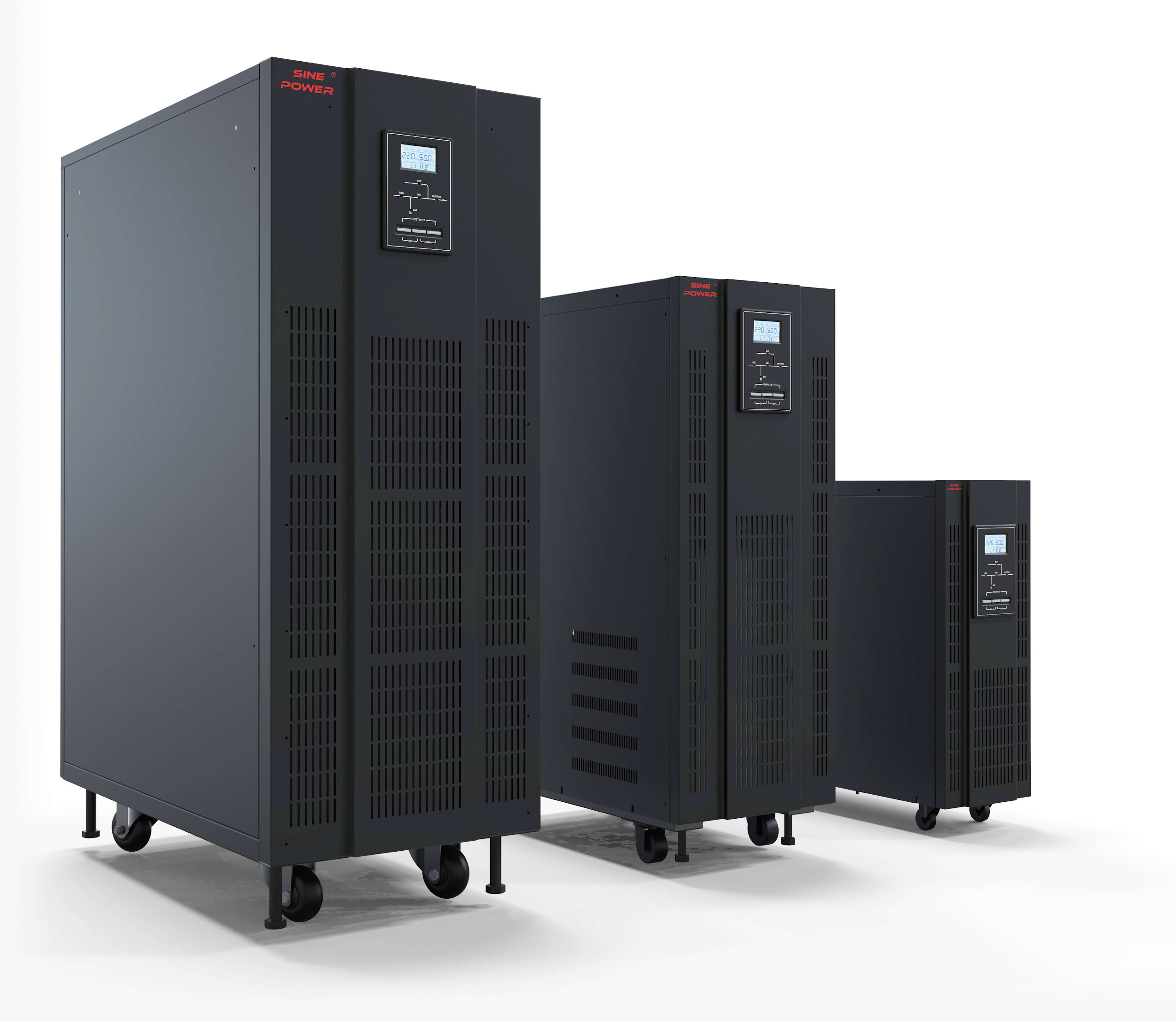
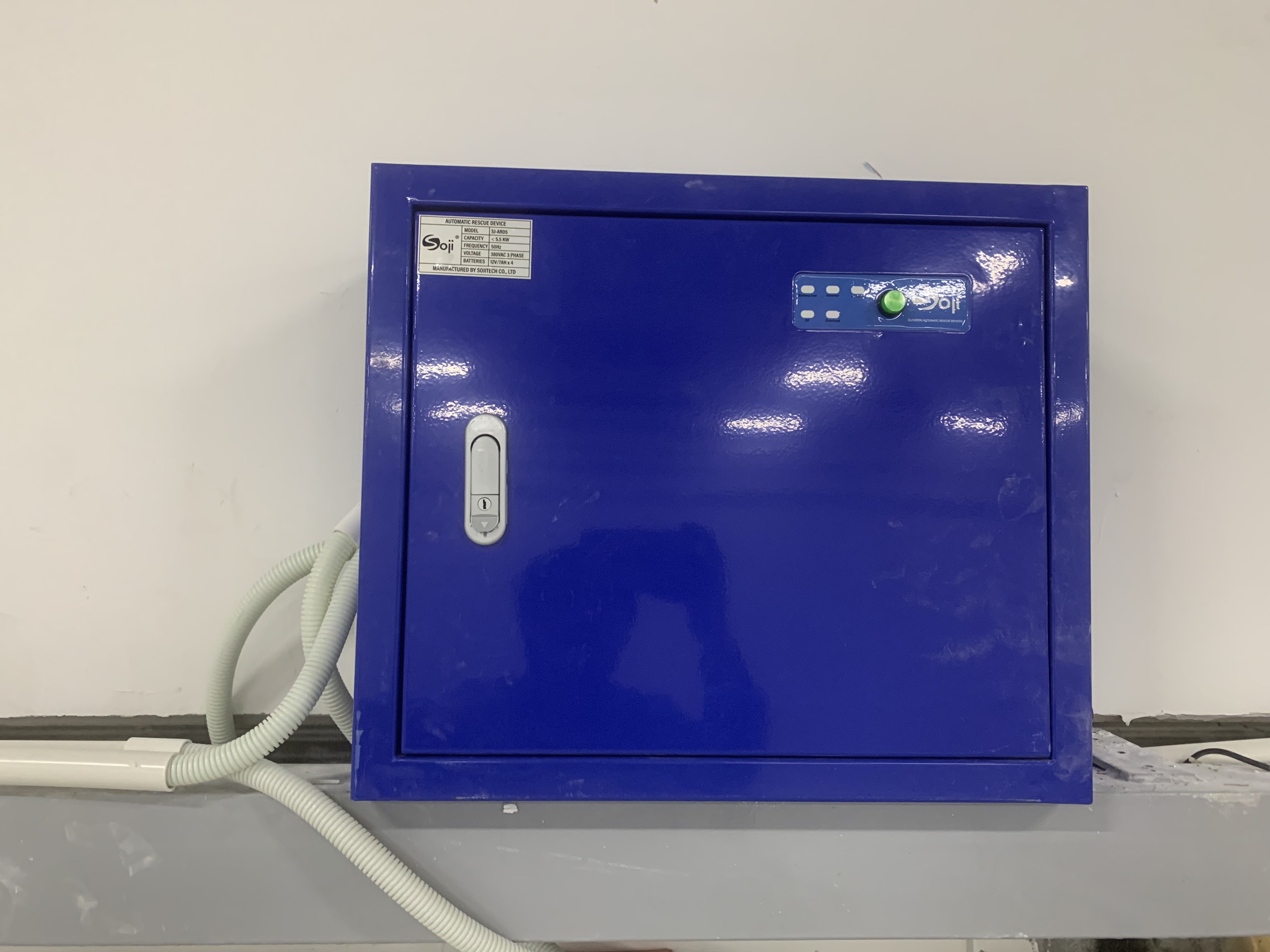
View information SOJI elevator rescue device, Riello UPS
LISATECH - OFFICIAL DISTRIBUTION REPRESENTATIVE power products, UPS systems with capacity from 1kVA to 1000kVA from Riello UPS - Italy, SOJI UPS, ELIT UPS - Italy...
Contact us for direct consultation and the best product and service pricing:
LISA CONTROL TECHNOLOGY CO., LTD
Tel/Fax: +84 24 7309 9997
Address (Office): No. 10 LK10, Ha Tri Service Land Area, Ha Cau Ward, Ha Dong District, Hanoi City
Website: www.lisatech.vn
LISA CONTROL TECHNOLOGY CO., LTD
Tel/Fax: +84 24 7309 9997
Address (Office): No. 10 LK10, Ha Tri Service Land Area, Ha Cau Ward, Ha Dong District, Hanoi City
Website: www.lisatech.vn